Projects, simplified.
Project Management for Solo Developers
Stop configuring, start building. Keonda is project management for solo developers and freelancers who want to get straight to work. No setup, no bloat.
Plan as you go
Less clutter. More shipping.
Thoughtful defaults and developer-first tooling handle the busywork, so you can spend your energy on the work that matters.
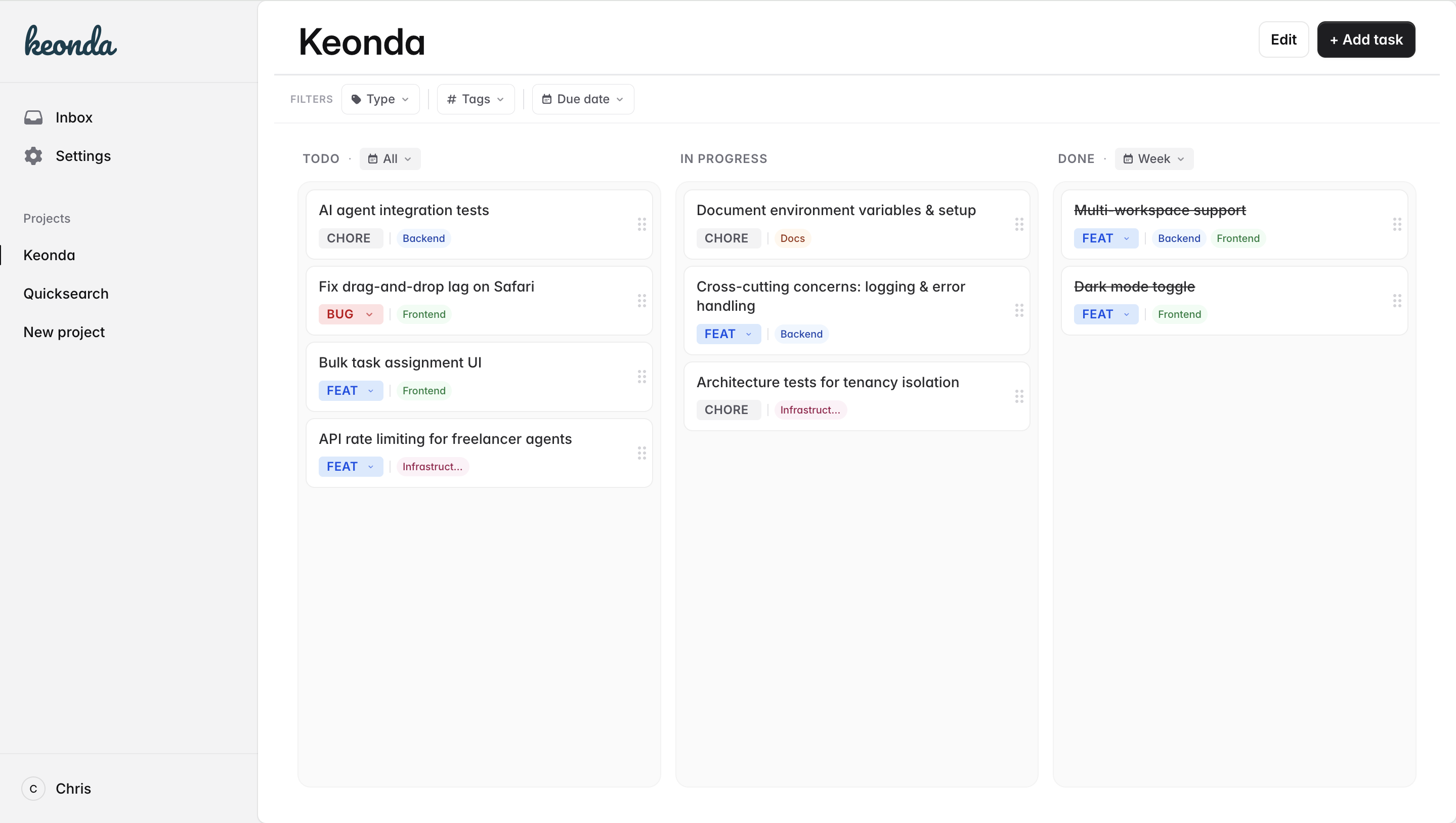
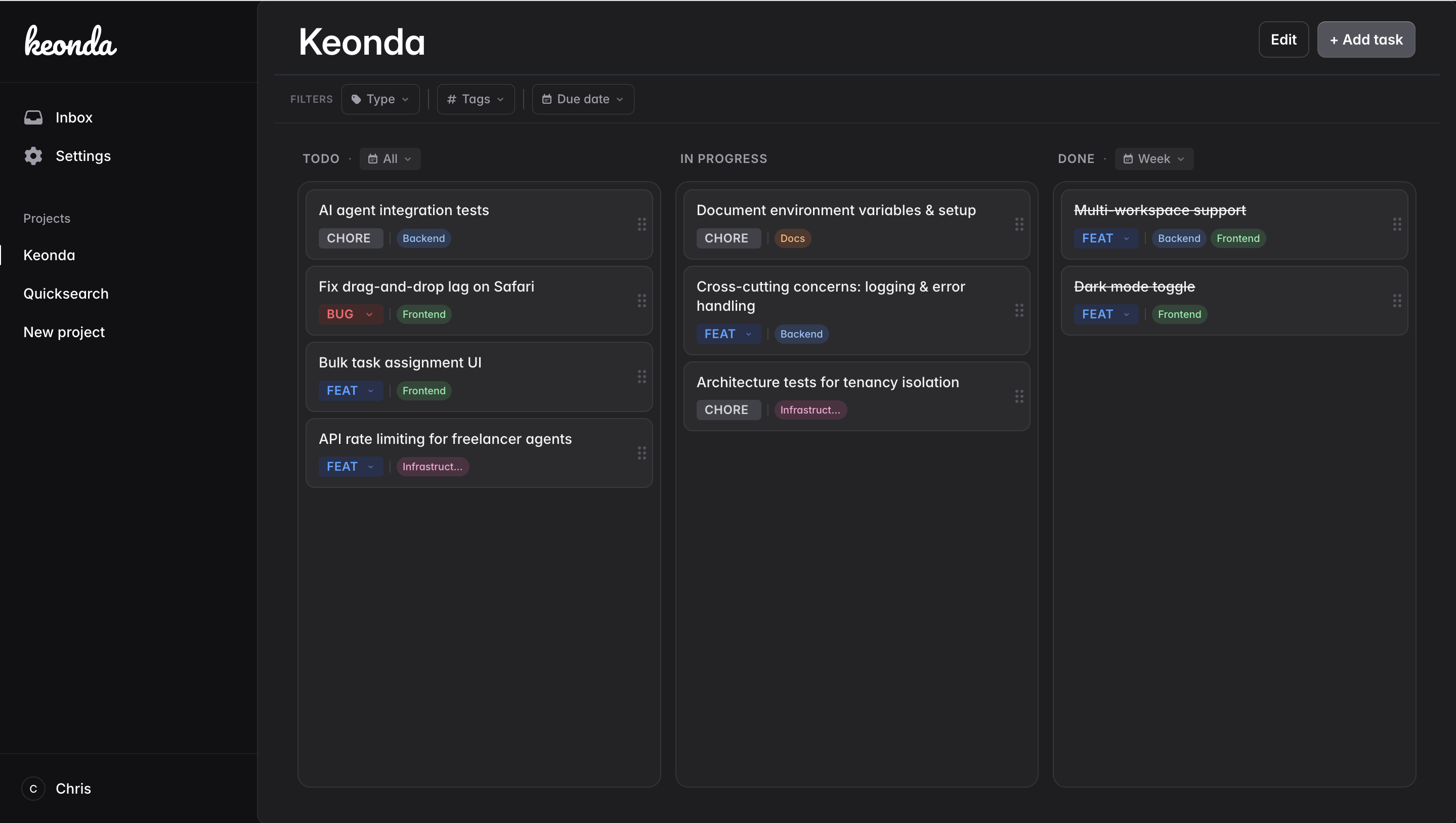
- Rich text markdown editor.
- Write tickets with full markdown, code blocks, and checklists. Everything a developer needs to document work properly.
- GitHub integration.
- Two-way sync with GitHub Projects and pull requests. Your code and your board stay in lockstep.
- Quick board filtering.
- Filter tickets fast without navigating away. Focus on the tasks you care about right now.
- Versioned tickets.
- Every edit is saved as a version. Roll back to any previous state of a ticket so you never lose information.
- Tags.
- Create custom tags, add them to tickets, and filter the board by tag instantly.
- Inbox.
- Capture ideas quickly without deciding where they go. Triage into projects later.
How it compares
Built for simplicity in the age of AI-assisted development
Production quality, zero enterprise overhead
Keonda vs Jira
No complex configuration
Stories, points, subtasks, sprints. Jira requires hours of setup before you write your first ticket. Keonda gets you up and running in seconds.
Keonda vs Linear
No team-first setup
Linear assumes a team. Keonda works solo from day one with zero friction.
Keonda vs Trello
Built for developers, not everyone
Trello is a general-purpose board with limited developer tooling. Keonda is purpose-built for software teams with GitHub sync, tags, and markdown out of the box.
Keonda vs Notion
No blank page
Notion requires you to build the system. Keonda is already a system. Open it and start working.
| Feature | Keonda | Jira | Trello |
|---|---|---|---|
| GitHub PR sync | ✓ | ✓ | ✕ |
| Inbox / quick capture | ✓ | ✕ | ✕ |
| Rich text tickets | ✓ | ✓ | ✕ |
| Tag-based filtering | ✓ | ✓ | ✓ |
| Versioned tickets | ✓ | ✕ | ✕ |
| Free solo plan | ✓ | ✕ | ✓ |
| Setup time | 0 min | 1–3 hrs | 30 min |
Switch between projects effortlessly. Stay organised with Keonda.
Plan, organize, and ship your work without the clutter. Free to start. No credit card required.
Subscribe to our newsletter
Get blog articles and product updates delivered to your inbox. You can unsubscribe at any point.